OVO
install
- https://ovo.dichlab.org/docs/user_guide/installation.html
conda create --name myovo python=3.13conda activate myovopython --version(Python 3.13 recommended, at least 3.10)java -versionJava (OpenJDK 21-24 recommended, at least 17)
module load jdk/18.0.1.1
pip install ovoovo init home
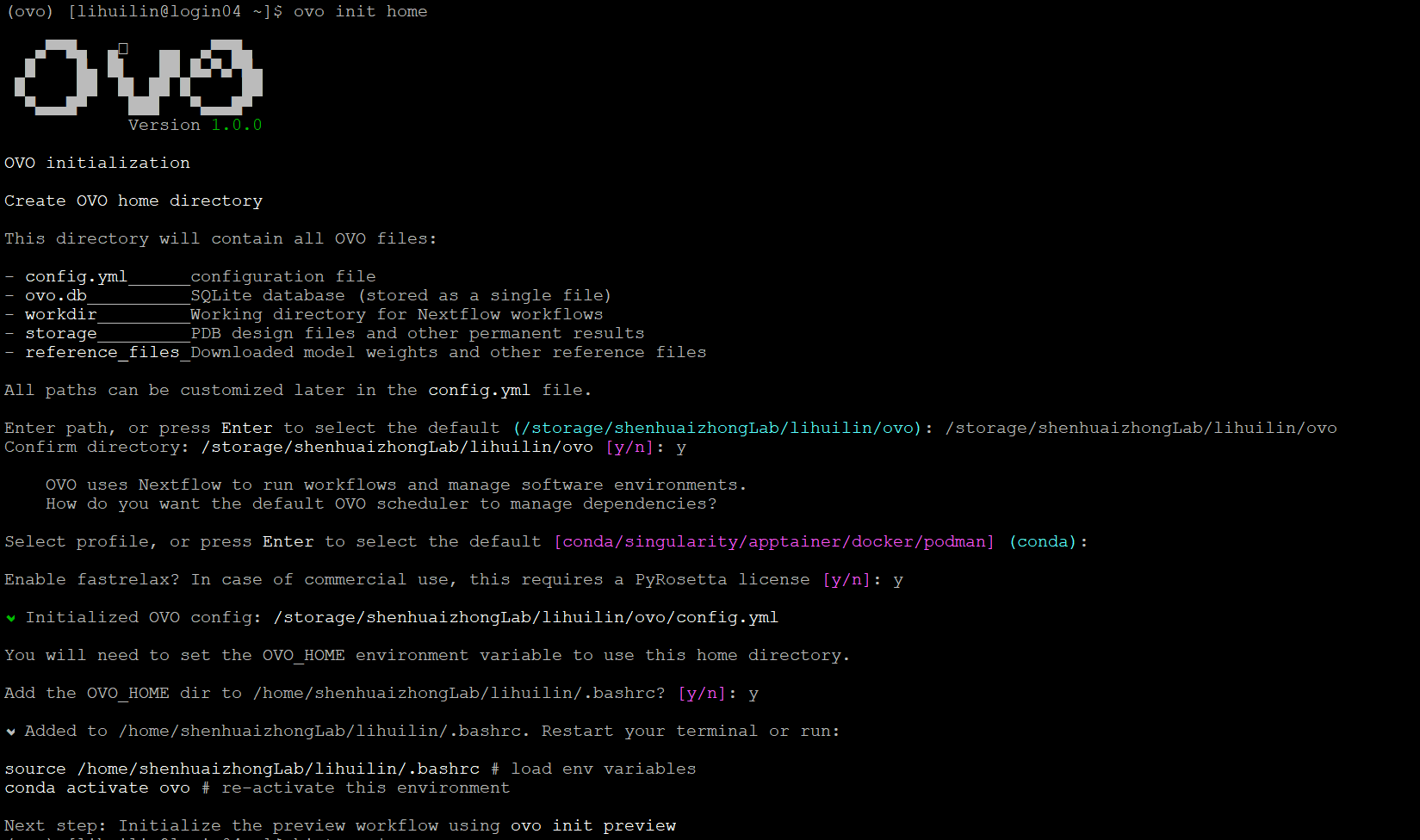
source /home/shenhuaizhongLab/lihuilin/.bashrc# load env variablesconda deactivateconda activate myovo# re-activate this environmentconda install -c bioconda nextflow
(myovo) [lihuilin@login02 ~]$ nextflow -version

      N E X T F L O W
      version 25.10.2 build 10555
      created 28-11-2025 19:24 UTC (29-11-2025 03:24 CDT)
      cite doi:10.1038/nbt.3820
      http://nextflow.io
ovo init preview
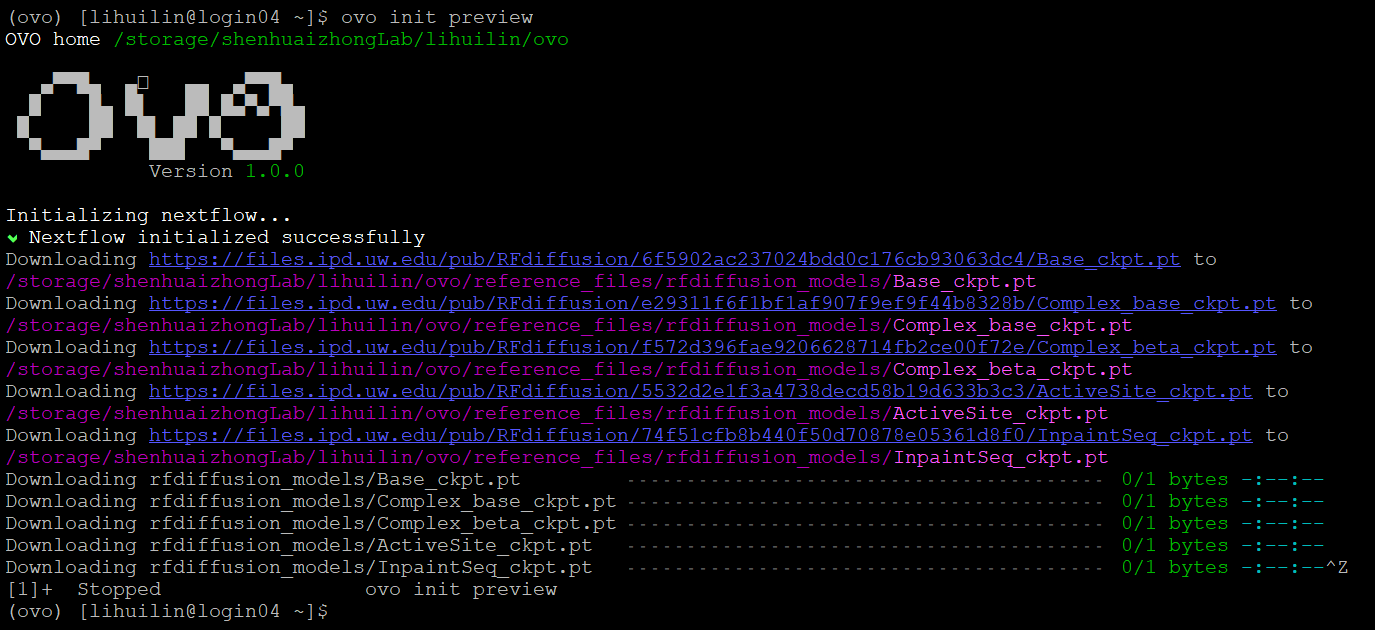
Download RFdiffusion model checkpoint files:
In practice, due to the network constraints on HPC, it will be much faster to download these files locally, and then transfer them to the correct folder on HPC. (e.g. /storage/shenhuaizhongLab/lihuilin/ovo/reference_files/rfdiffusion_models)
- (optional)
Process requirement exceeds available CPUs -- req: 4; avail: 1
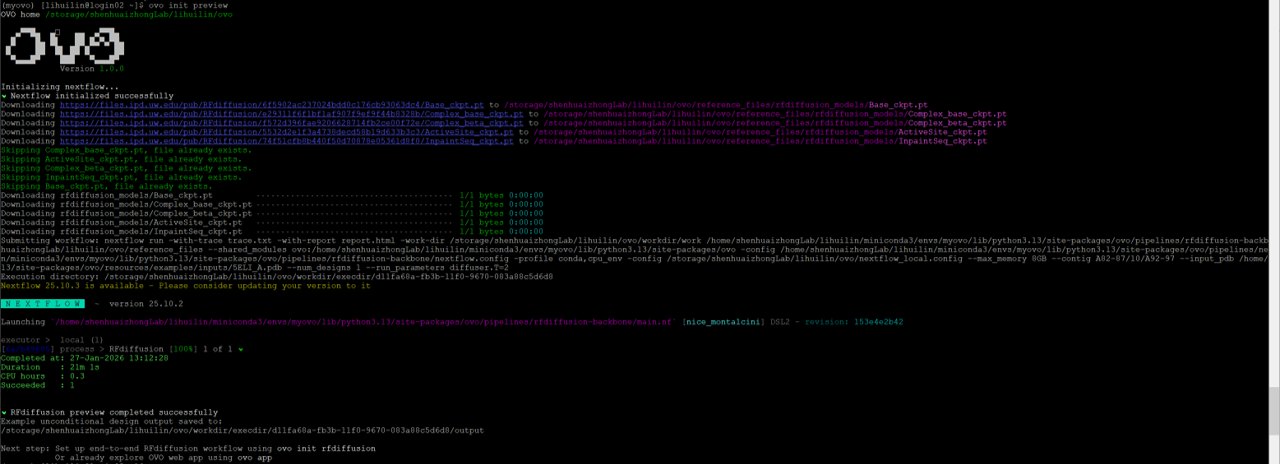
ovo init preview requires internet accession and CPUs\(\ge\)4 simultaneously. In my practice, the login node can access internet, but only have 1 CPU. In this case, we can modify /home/shenhuaizhongLab/lihuilin/miniconda3/envs/myovo/lib/python3.13/site-packages/ovo/pipelines/rfdiffusion-backbone/main.nf file by changing cpus 4 to cpus 1 (line 11) and memory "16 GB" to memory "8 GB" (line 12).
ovo init preview
ovo app
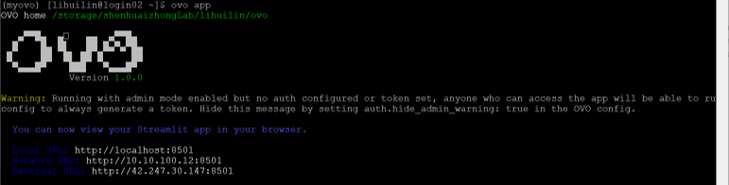
ssh -L 8501:localhost:8501 lihuilin@172.16.78.132 -p 10002